
What VINELink Covers in Marathon County
Wisconsin VINE County Jails is a joint effort between the state and local law enforcement. Wisconsin victim-services material states that every county runs the county-jail service. The service links with local jail management. Marathon County is covered by that statewide setup. Searches stay anonymous and work in English, Spanish, and Hmong. The published phone route is 1-888-944-8463. VINE reports custody, release, transfer, or movement events at participating facilities.
How to Check a Marathon County Arrest on VINELink
Bring enough detail to tell similar names apart. A name match alone proves nothing about identity.
- Open VINELink and choose Wisconsin.
- Select the search or register workflow and the relevant participating facility.
- Search by offender or inmate ID when available, or use the full last name and first initial.
- Compare the facility, identifier, and other displayed fields before selecting a record.
- Confirm a fresh or unclear Marathon County result with Jail/Corrections at 715-261-1700.
Shared names are common. Never guess based on age or appearance. Instead, compare lawful identifiers and check which facility holds the person. For the booking record itself, turn to Marathon County's official catalog or records portal rather than treating a VINE result as a full arrest report.
What VINELink Shows After an Arrest
The interface decides which fields appear. Wisconsin guidance describes custody checks and notices, not detailed charges or photos.
| VINE element | How to interpret it |
|---|---|
| Name and ID | Tools for matching a custody record. |
| Facility | The participating location tied to the current event. |
| Custody status | A system status that can change after release or transfer. |
| Notification options | Channels offered by the current registration interface. |
| Charges | May be limited or absent; use court records for filed charges and disposition. |
| Photograph | Not promised by Wisconsin VINE materials. |
A person can be missing for several reasons. Intake may not have reached VINE yet, the person may have moved to another system, or the search data simply doesn't match. "Not found" only means no matching current record turned up.
How to Register for Custody Alerts
Registering is separate from the anonymous lookup. Pick the options shown for that record and keep your confirmation details private.
- Open the matching custody record and choose registration.
- Select phone, text, or email when that option is offered.
- Enter the destination carefully and complete any confirmation step.
- For phone alerts, create and retain the required four-digit PIN.
- Follow the current instructions to acknowledge notices or change the registration.
Wisconsin materials disagree on the callback window. Some say 24 hours, others say 48. Follow the live instructions instead of an old fixed promise. Alerts can also lag the real event, so urgent safety decisions still call for direct confirmation with the jail or law enforcement.
VINELink Limits and How to Confirm
VINELink has firm limits. It is not a warrant search, a court-disposition database, or a booking-photo gallery. Full charge details may be missing, and some federal custody paths fall outside it. Use BOP for sentenced federal inmates. Use ICE for its detainee system. For federal pretrial custody, try the court, holding facility, or attorney.
A release notice only tells you custody changed. It says nothing about how the case ended. Turn to WCCA for the later public court record.
Wisconsin VINE Access Options
The state page documents access in English, Spanish, and Hmong. It also lists the toll-free number 1-888-WI-4-VINE. Those options matter when web access is hard or a registrant prefers calls. Anonymous searching needs no alert registration. The official Wisconsin VINE page carries the current statewide instructions.
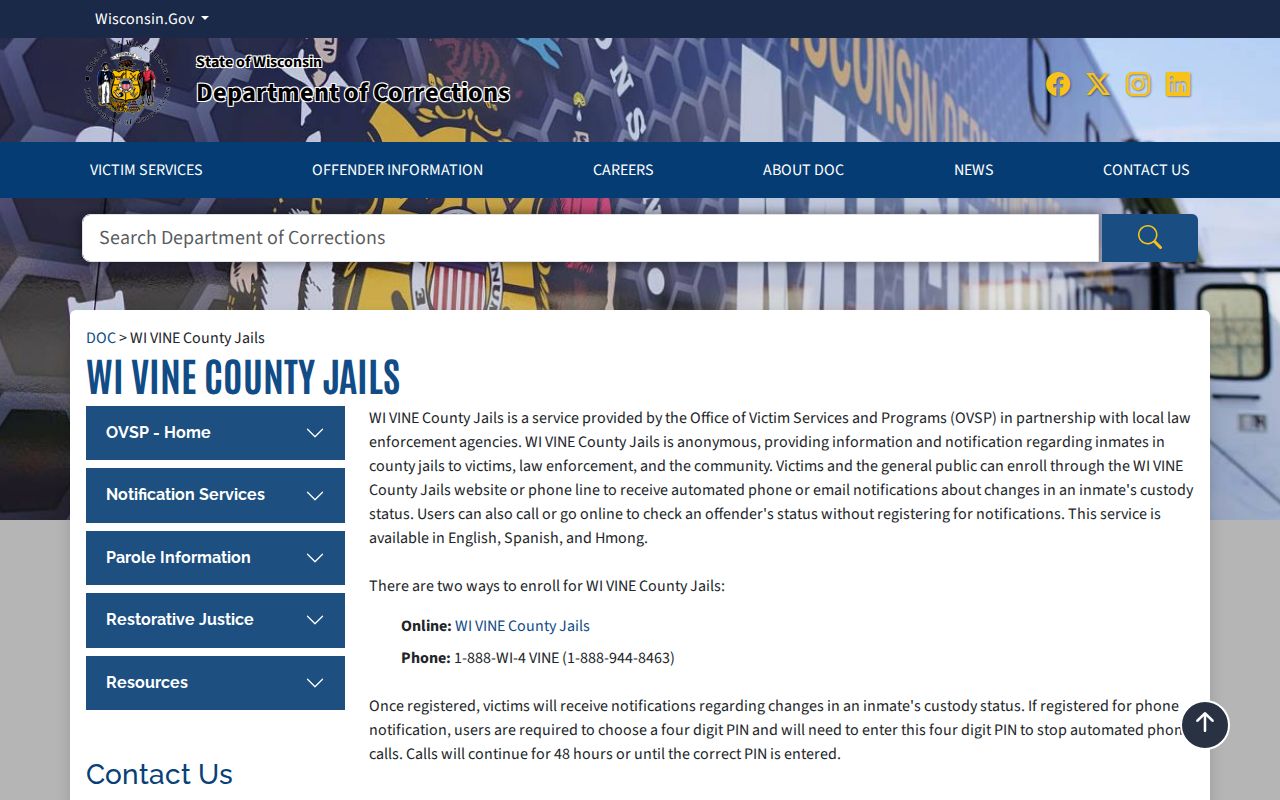
The state source establishes county-jail participation and separates VINE from local booking records.
Marathon VINELink Search Screen
The VINELink site opens with a plain search screen. No real person's data is exposed.
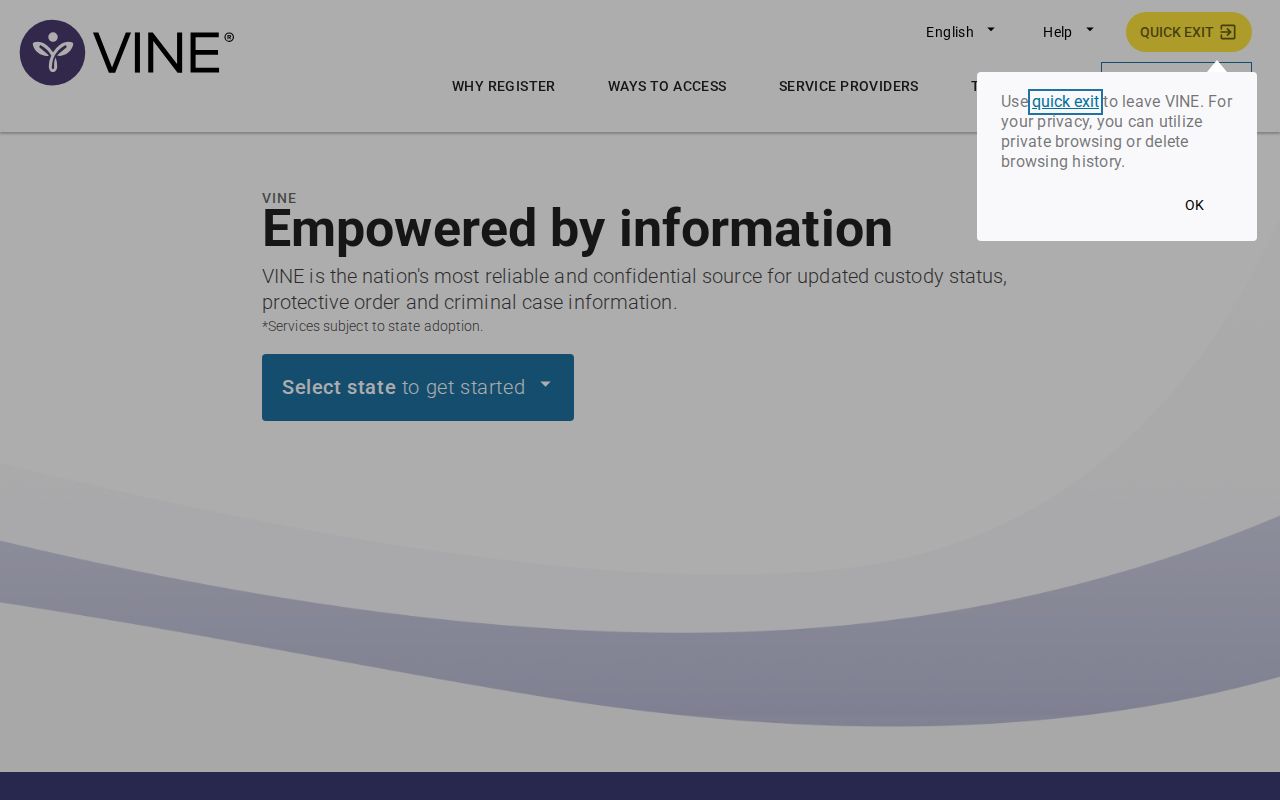
Pick Wisconsin and the right facility before searching. Verify multiple matches with more than a name.
Marathon Custody System Differences
Each system answers a different question. The Sheriff inmate catalog is the official source for current county custody. VINE adds notifications. WCCA covers filed state-court cases. Wisconsin DOC handles people serving state sentences; BOP, ICE, and USMS run separate federal paths. A jump between systems can explain a disappearance without proving any release.
- Custody alert
- A notice that a participating status changed.
- Transfer
- Movement between facilities or systems.
- Disposition
- The court's resolution of charges.
- Detainer
- A request or basis for another authority to hold or assume custody.
No single database tells the full story of a Marathon County case.